


Application control
Only what you approve can run.Most endpoint tools catch threats after they run. Application control stops anything you haven't approved from running at all, so there is nothing to chase after the fact.
Get startedSee how we benchmarkNo fit, no obligation.
Detection always arrives a step late.
Traditional endpoint security is default-allow. Anything runs unless it is already known to be bad, and your detection tools watch for trouble and raise the alarm once something starts. That leaves a window between the moment code runs and the moment someone acts on the alert. Attackers work inside that window.
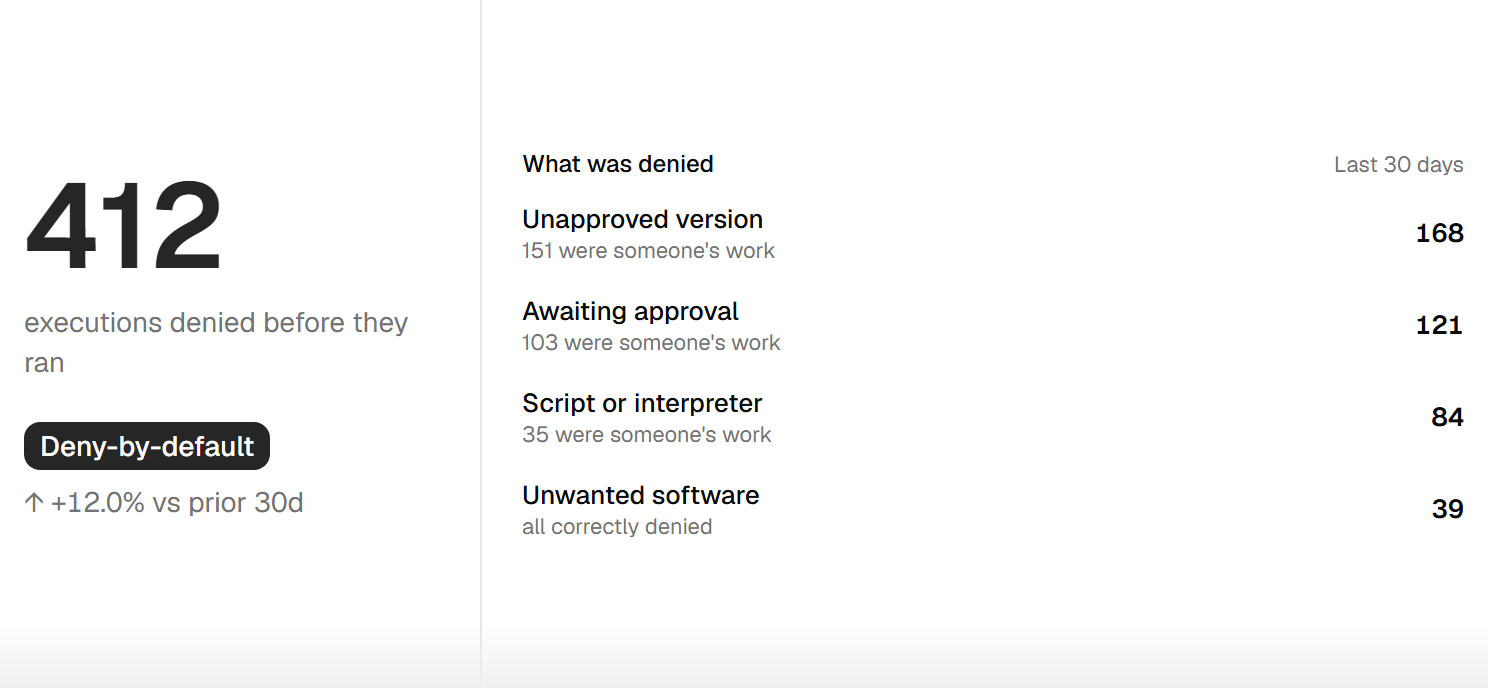
Application control inverts the model. It is default-deny: nothing runs unless it is on your approved list, so there is no window for anything you have not sanctioned. Living-off-the-land shows why this matters. When Office quietly launches PowerShell to copy files to the cloud, a detection tool often will not flag it, and when it does, it alerts after the data has already moved. Deny-by-default closes that path before it opens.
Three jobs people put in one basket.
Sort these out before you shop for a tool.
Device management
Tools like Intune and Jamf deploy and manage software across your fleet. Useful, but they do not decide what is allowed to run.
Application control
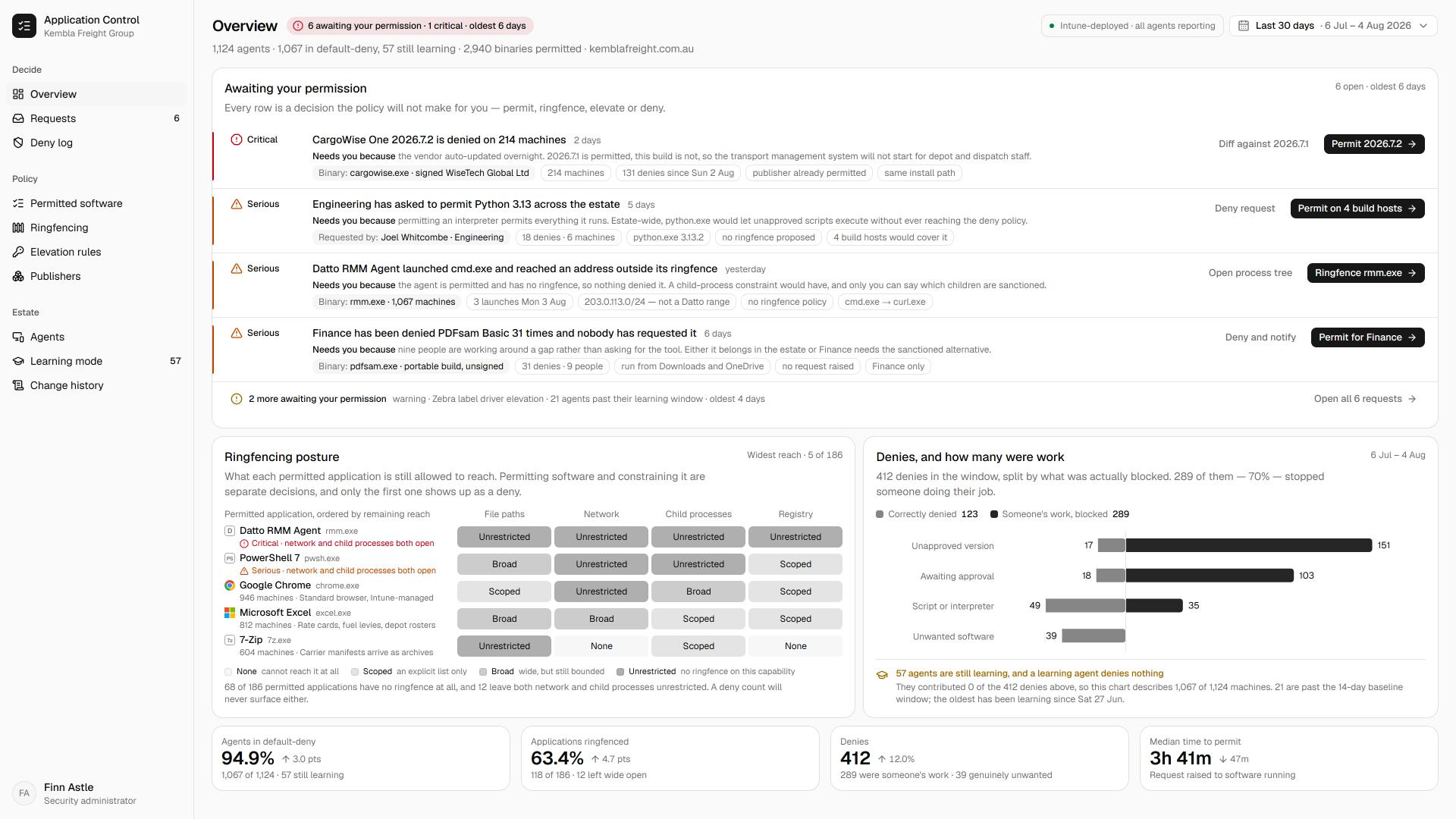
Deny-by-default execution. Only approved software runs, and approved software is fenced in so it cannot be misused. This is the page you are on.
Vulnerability management
Finding and fixing the weaknesses in the software you do run. A different job again, and the hygiene layer of the endpoint.
Application control has two halves.
Blocking the bad is only one side of it.
Allowlisting
Only the software you approve is allowed to run. Everything unknown is denied by default, so ransomware and unsanctioned tools never get to start.
Ringfencing
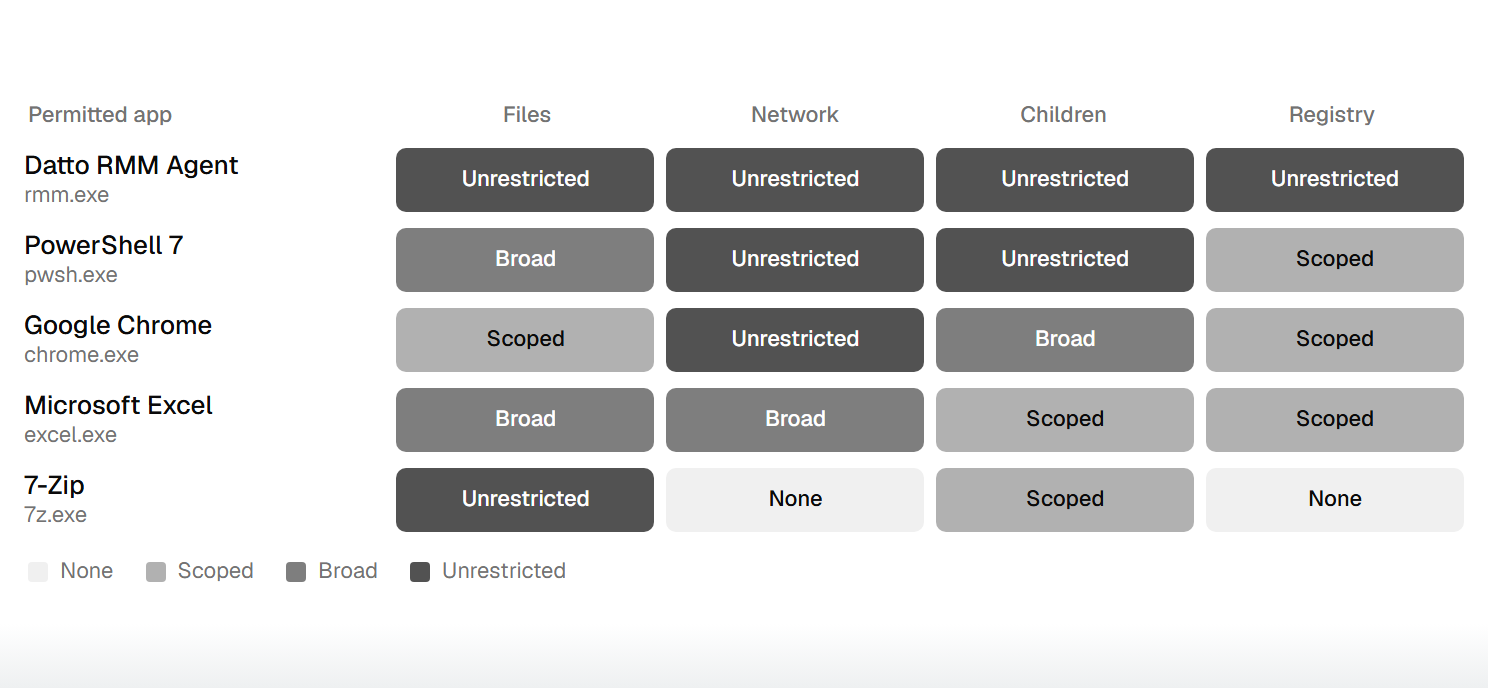
Approved software is fenced in: which other applications it can call, what files and registry it can reach, whether it can touch the internet. The SolarWinds compromise is the case in point, where a ring-fenced agent could reach its genuine update address and nothing else.
What deny-by-default gives you.
Judge any option against what it actually prevents.
Ransomware that cannot start
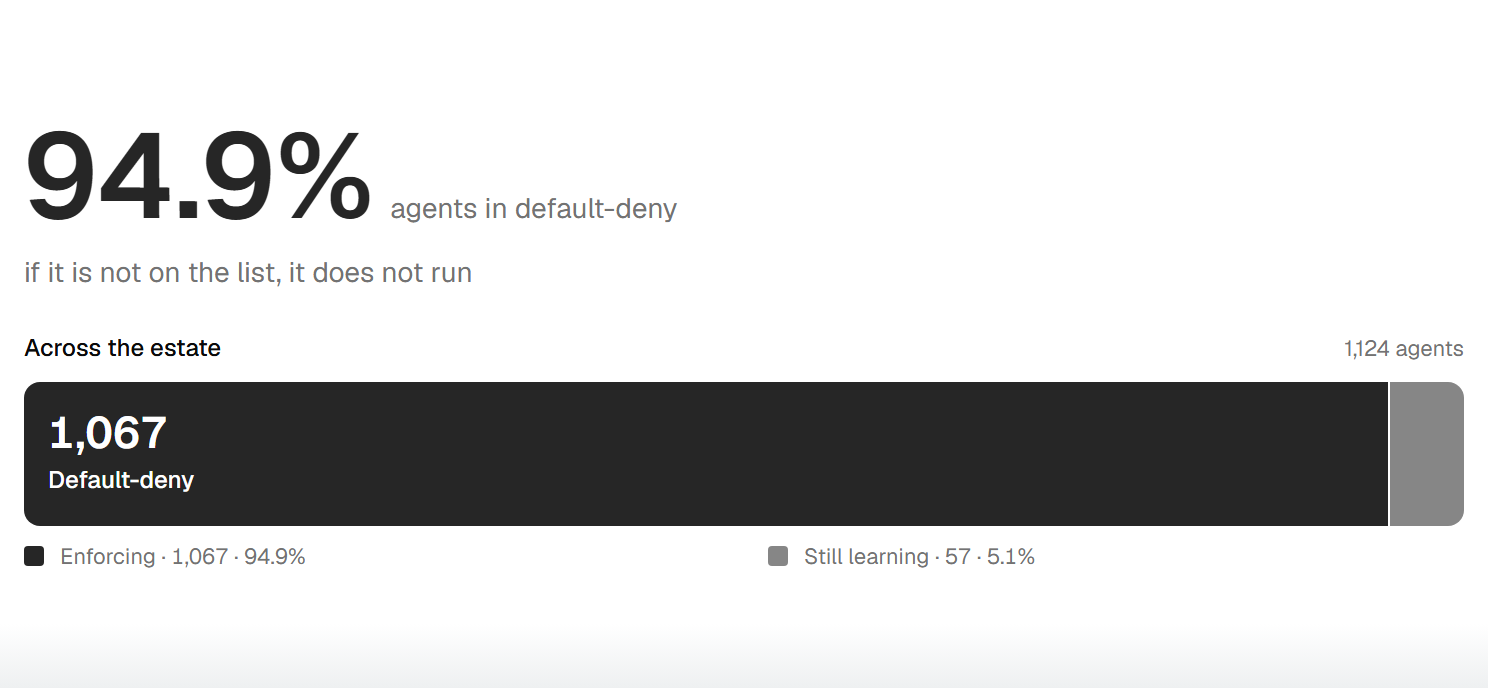
If it is not on your list, it does not run. Most ransomware and unapproved software is stopped before execution, not chased once it is already loose.
An Essential Eight control you can evidence
Application control is one of the eight. Done properly it maps to the maturity levels, and the same controls produce the audit evidence to prove it.
Less noise to chase
Deny-by-default shrinks what your detection layer ever has to look at, so your team spends less time triaging things that should never have run.
What makes modern allowlisting workable.
The old objection to allowlisting was the admin load: approving every application by hand looked like a full-time job. That objection has largely dissolved, and where it dissolves is where the real difference between tools sits. Setting this up is still a project, not a switch you flip, and we are upfront about that. These are the capabilities that let a lean team actually run deny-by-default.
A maintained built-in catalogue
A deep, vendor-maintained library of known-good software with tracked file hashes, so a routine update does not suddenly get blocked.
Learning mode
The tool watches your environment and auto-builds the baseline of what already runs, so you start from your reality rather than a blank list.
Self-service approval
Users request an unlisted application and get a fast, controlled decision, so the long tail does not pile onto IT.
Ringfencing
Boundaries around what an approved application can touch, so a trusted tool cannot be turned against you.
Elevation control
Local admin rights removed and granted just for the specific task, so users are not running as admin all day.
Storage and device control
Rules for what can read from and write to removable media and network storage.
Where most teams sit today.
Application control maturity, tier by tier.
Focused
Built-in tools like WDAC or AppLocker configured once and rarely revisited, or nothing at all. A capable floor, but usually not maintained as software changes. Many mid-market teams sit here.
Broad
Deny-by-default allowlisting with a maintained catalogue and learning mode, ringfencing on the applications that matter, and local admin clawed back. Where most teams need to get to, and it maps to the earlier Essential Eight maturity levels.
Comprehensive
Full ringfencing, storage and elevation control across the fleet, and the kernel-level driver control the top Essential Eight maturity level asks for. Genuinely demanding, and rarely reached in Australia. We tell you honestly what it takes.
Prevention is one layer of three.
Prevention, detection and response, and hygiene share the same endpoint. Each makes the others' job smaller.
Prevention
Deciding what is allowed to run at all. This is the layer you are on now.
Detection and response
Catching and containing whatever operates inside what you have allowed. Prevention shrinks its workload, and it backstops what prevention lets through.
Explore detection and responseHygiene
Closing the doors before anyone tries them. Patching and remediation shrink the surface both other layers watch.
Explore vulnerability management
Client story
Deny-by-default now covers every council endpoint
We wanted to close the door on anything we hadn't approved, without making more work for a small team. That's exactly what we got.

Questions we hear most.
Start with your goals.
Tell us what you need to protect.
We'll match you to the tools that fit.
No fit, no obligation.