


Browser security
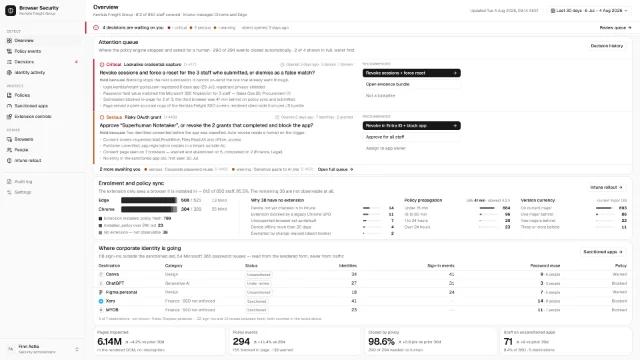
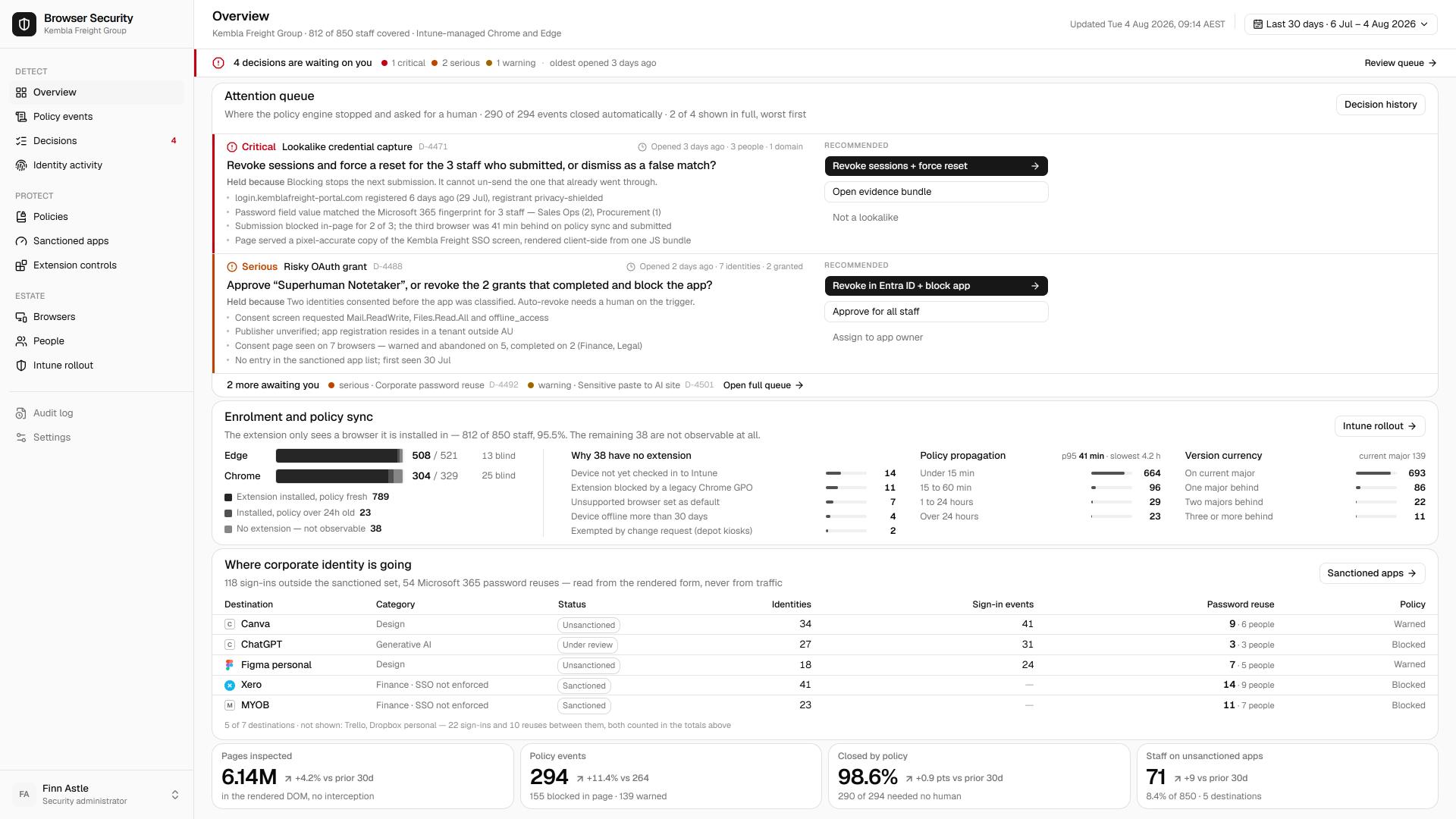
Secure where your workday actually happens.Most of the working day now happens inside Chrome, Edge and Firefox, yet most security stacks were built for the network and the inbox. Browser security closes the gap where your people actually work.
Get startedRead the browser security assessmentNo fit, no obligation.
The workplace moved into the browser.
Line-of-business apps used to live on the network. They now run as software-as-a-service, reached through a browser tab. Staff open a browser in the morning and stay there: email, files, finance, CRM, the lot. Industry estimates put 60 to 80% of the working day inside the browser.
Before any tool, the question is what you're actually trying to solve. Most stacks still watch the network and filter the inbox, then lose sight of the session the moment work moves into a SaaS tab. You can't manage what you can't measure, and today most organisations cannot see what happens in the browser at all.
Shadow AI is already inside your browser.
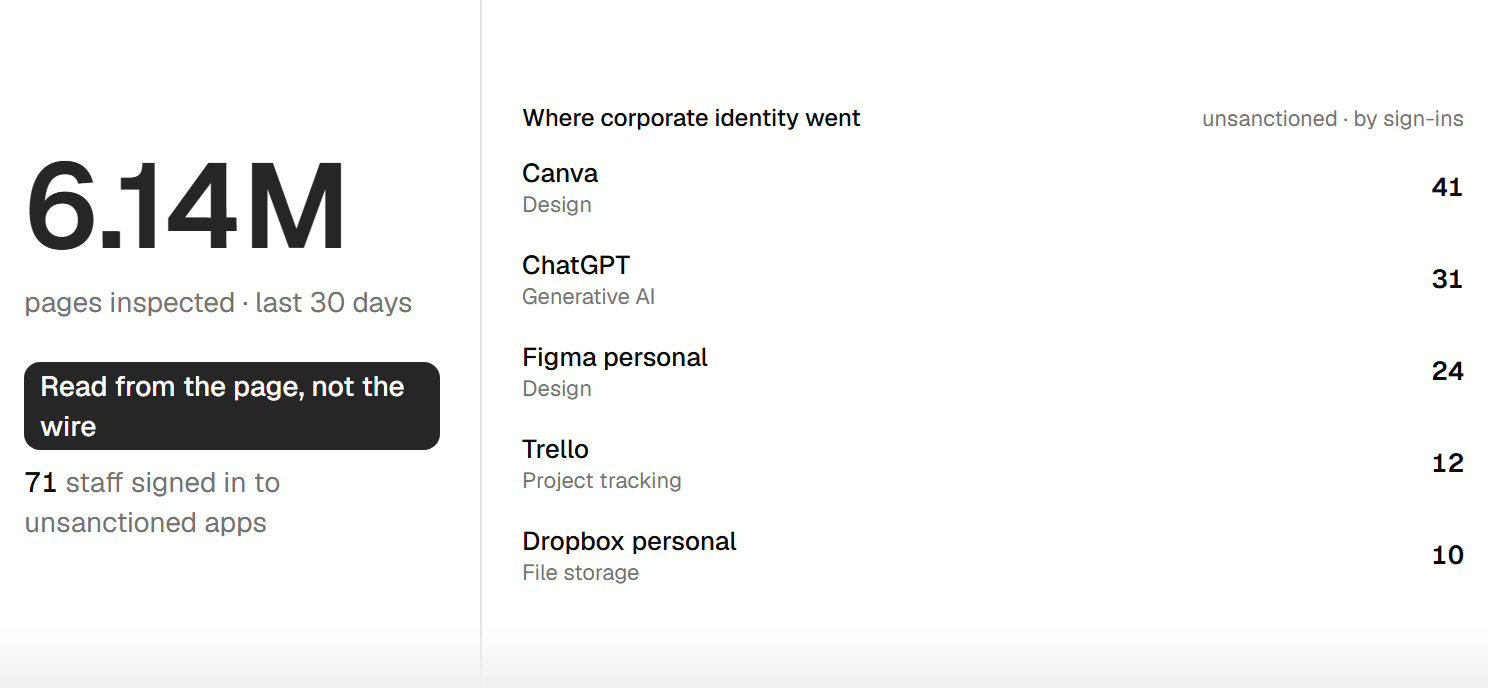
The fastest-moving risk in the browser is generative AI. Staff paste customer records, code and contracts into whatever assistant is open, and the average organisation now has more than 20 AI tools in use that IT never approved. Most of that traffic goes to personal accounts, outside any agreement about where the data lands.
These are not malicious people. They are the well-intentioned ones trying to work faster, and they create the exposure by accident. The aim is not to block them. It is to see what is leaving and to which tools, so you can steer it toward the accounts and controls you actually govern.
How a breach reaches your people.
The browser is where the chain ends, and where it is least watched.
- 01
Phishing sent
An attacker sends a message built to slip past filters.
- 02
Past email security
A share of these reach the inbox anyway, because no email filter catches everything.
- 03
Into the browser
The user clicks. The link opens in the browser, well outside the reach of the email gateway.
- 04
Credential theft
A convincing landing page harvests the login, often defeating multi-factor authentication in the moment.
- 05
Lateral movement
With valid credentials, the attacker moves through your SaaS estate as a trusted user.
Email security and an alert user both get bypassed. The browser is the last place to catch it, and the place most stacks do not watch.
What browser security gives you.
The outcomes that matter, not a feature list.
Visibility you don't have today
See which sites, SaaS apps and AI tools your people use, and what data moves through them, in real time.
Safe access to the web and AI
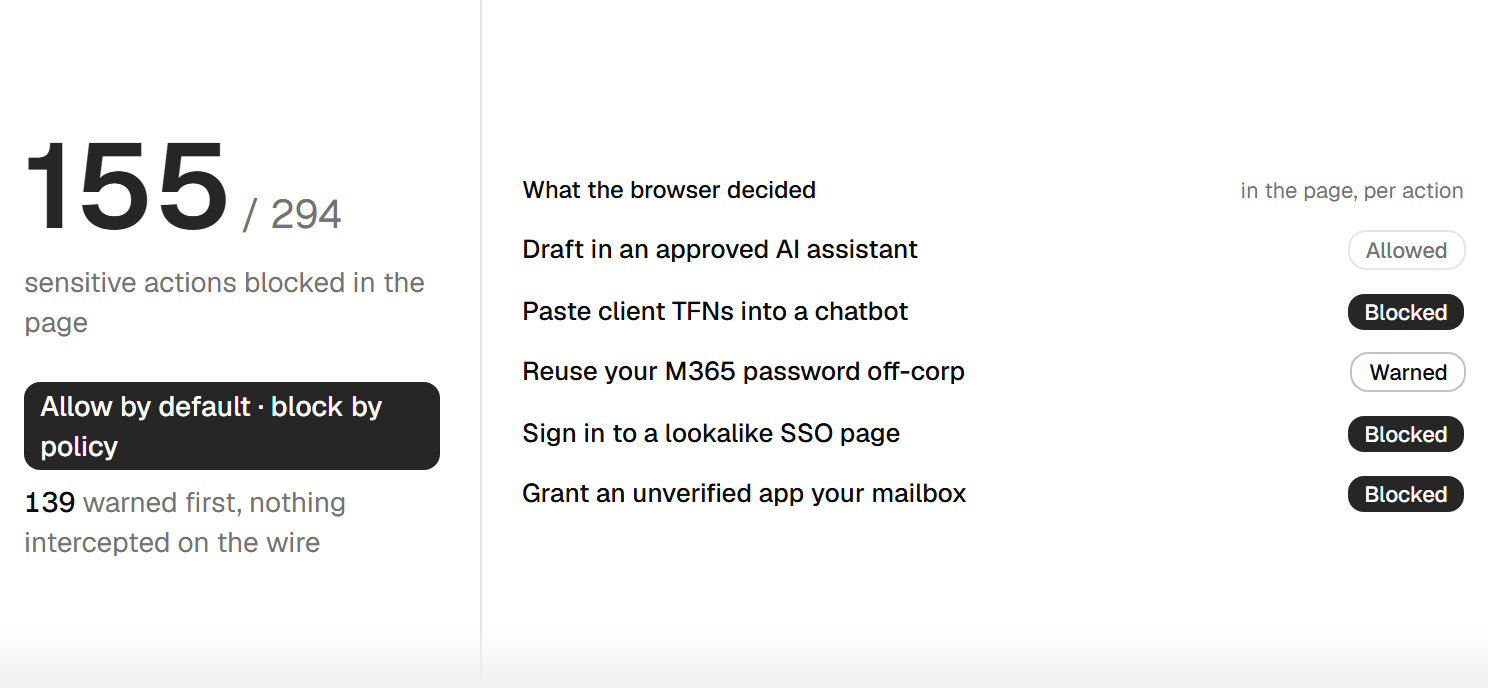
Let staff use the tools they need while sensitive data stays out of the places it should not go.
Access without the VPN bill
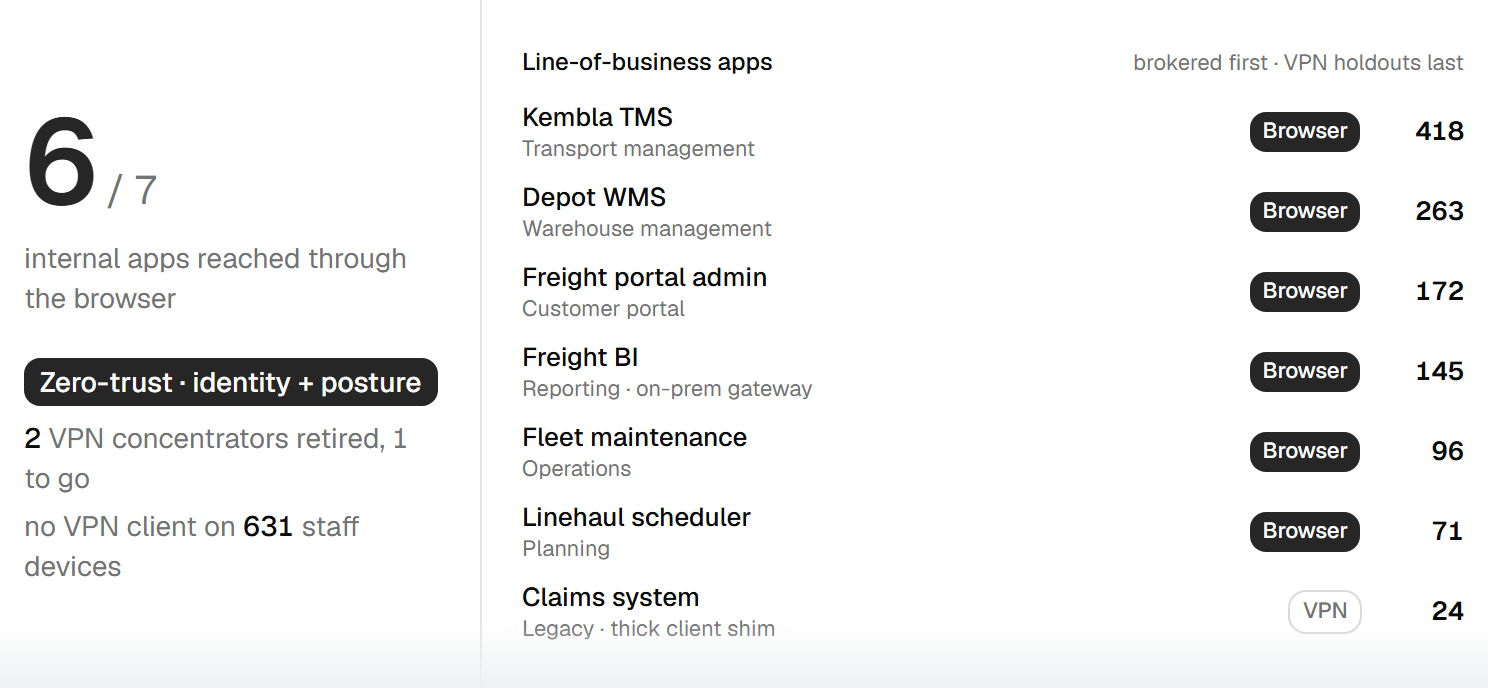
Deliver zero-trust access to internal apps through the browser, which can retire VPN and network hardware and the cost behind them.
What can the top platforms do?
The capabilities that separate real browser security from a plug-in.
Full session visibility
Records what happens inside the browser, across managed and unmanaged devices.
Web and DNS filtering at the edge
Blocks malicious and risky destinations before the page loads, not after.
Data controls for AI and SaaS
Governs what can be typed, pasted, uploaded and downloaded in sensitive tools.
Zero-trust access (ZTNA)
Grants access to internal apps per user and per session, with no open network path.
Credential and phishing protection
Stops reused passwords and catches credential-harvesting pages in the moment.
Cross-browser coverage
Works across Chrome, Edge and Firefox, on company and personal devices alike.
Not all browser security is the same.
The architecture decides the ceiling, long before the brand does.
Extension-only tools
A browser plug-in can see the tab it sits in, but not traffic at the network or DNS level. That caps visibility and rules out true zero-trust access. It is a useful layer, not a platform.
Edge-delivered platforms
Security delivered at the edge sees DNS and network traffic, enforces zero-trust access, and covers every browser. This is the architecture that carries the outcomes above.
Test the architecture (DNS-level visibility, edge delivery, real ZTNA, cross-browser coverage) before you compare brands.
See what’s happening before you set a policy.
The friction stories are out of date. Early web filtering was slow and heavy-handed, so many teams still expect browser security to get in the way. Delivered at the edge, it does not. That objection has been answered in the architecture, not just promised away.
The right first step is not a policy roll-out. It is a short monitor-only pilot across a handful of users, which surfaces what is actually happening in your browsers. From there we map your business systems to the data and revenue tied to each, and only then decide what, if anything, to control. You see your own data first.
See your own dataWhere most teams sit today.
Browser security maturity, tier by tier.
Focused
No real view into the browser. Web filtering, if any, is basic and network-bound, and shadow AI is entirely unseen. Many organisations sit here.
Broad
Real visibility into sessions, SaaS and AI use. You can see the risk and have started to steer it. This is where most teams need to get to now.
Comprehensive
Visibility plus enforced controls and zero-trust access, with VPN and legacy hardware on the way out. The direction the market is moving.
From the Lab
We tested the browser security field.
Our Lab put the leading browser security tools through the same benchmarks, from shadow AI visibility to credential protection. See how they compare before you shortlist.
Read the assessmentClient story
Visibility in two weeks, not two quarters.
We thought we had this covered by email filtering and a VPN. The pilot showed us how much of the day had moved somewhere we simply couldn't see.
Common questions.
Start with your goals.
Tell us what you need to protect.
We'll match you to the tools that fit.
No fit, no obligation.