


Email security
You can't see what your filter misses.Your native filter catches the bulk. We show you the malicious email it misses, from your own environment, and match you to email security that stops more.
Get startedRead the email security assessmentNo fit, no obligation.
Email is still the way in.
Email is the hub. It is where supply-chain conversations, hirings and firings, financial detail and internal strategy all converge, which is what makes it both indispensable and the highest-value target in your business. More than half of the breaches the ASD recorded in 2024-25 started with email. It has been the most common entry point for years, and that has not changed.
What has changed is the attacker's leverage. The work that used to take a person days, finding the right target, researching them, writing a convincing lure, now runs automatically. A personalised email in the right tone can reach the right person with almost no human effort. The threat was always here. AI multiplied it.
Where email is checked decides the outcome.
The point in the flow where mail is analysed sets the ceiling. The brand sits downstream of that.
Native filtering
Microsoft or Google's built-in layer. It is the floor most teams start on and it catches the bulk. It is not built to catch the targeted mail aimed at your people.
Post-delivery
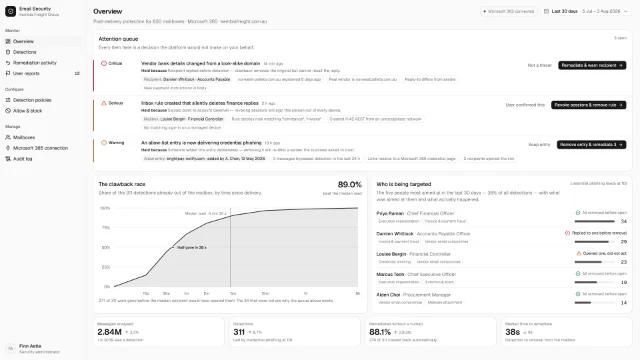
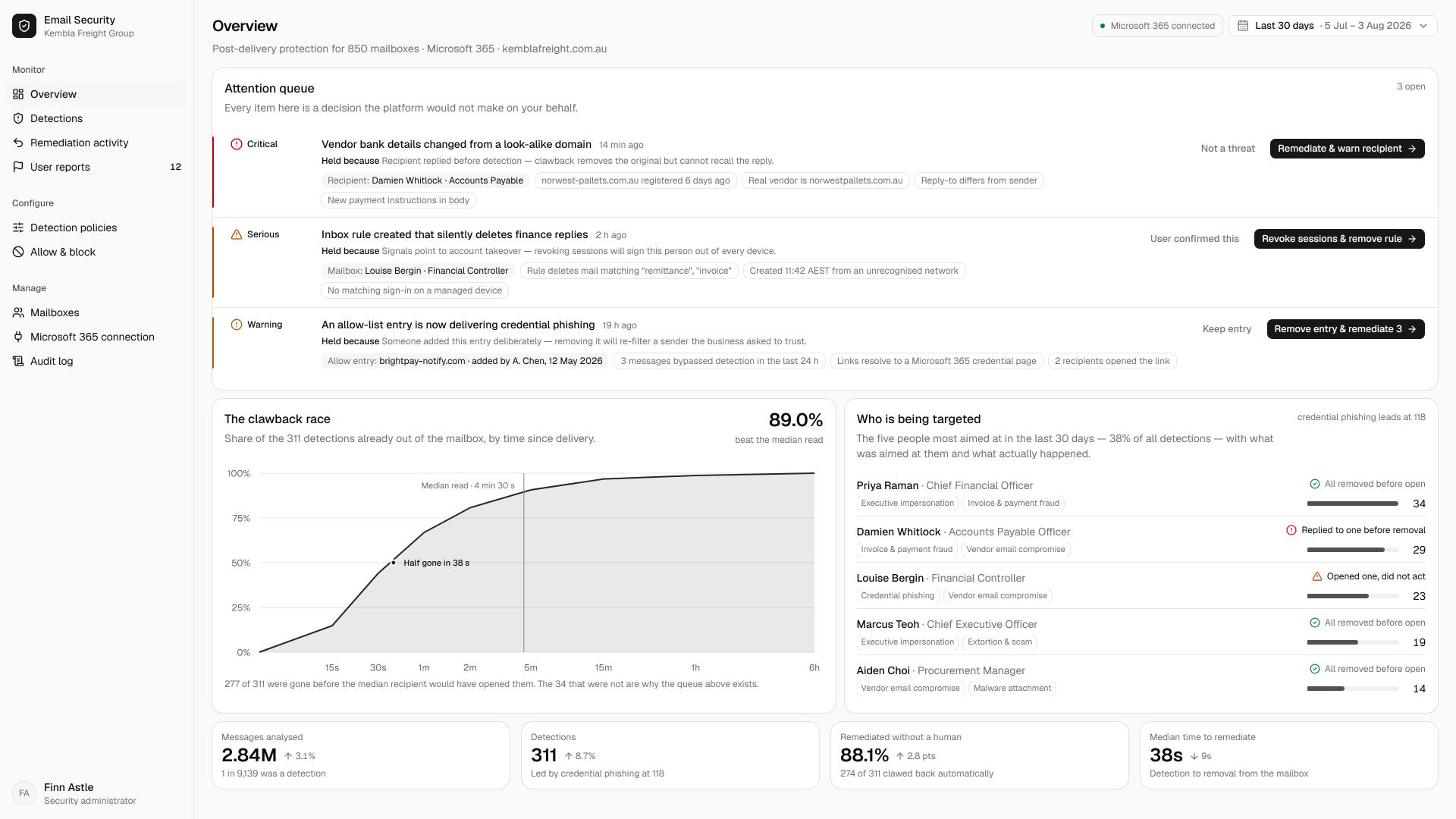
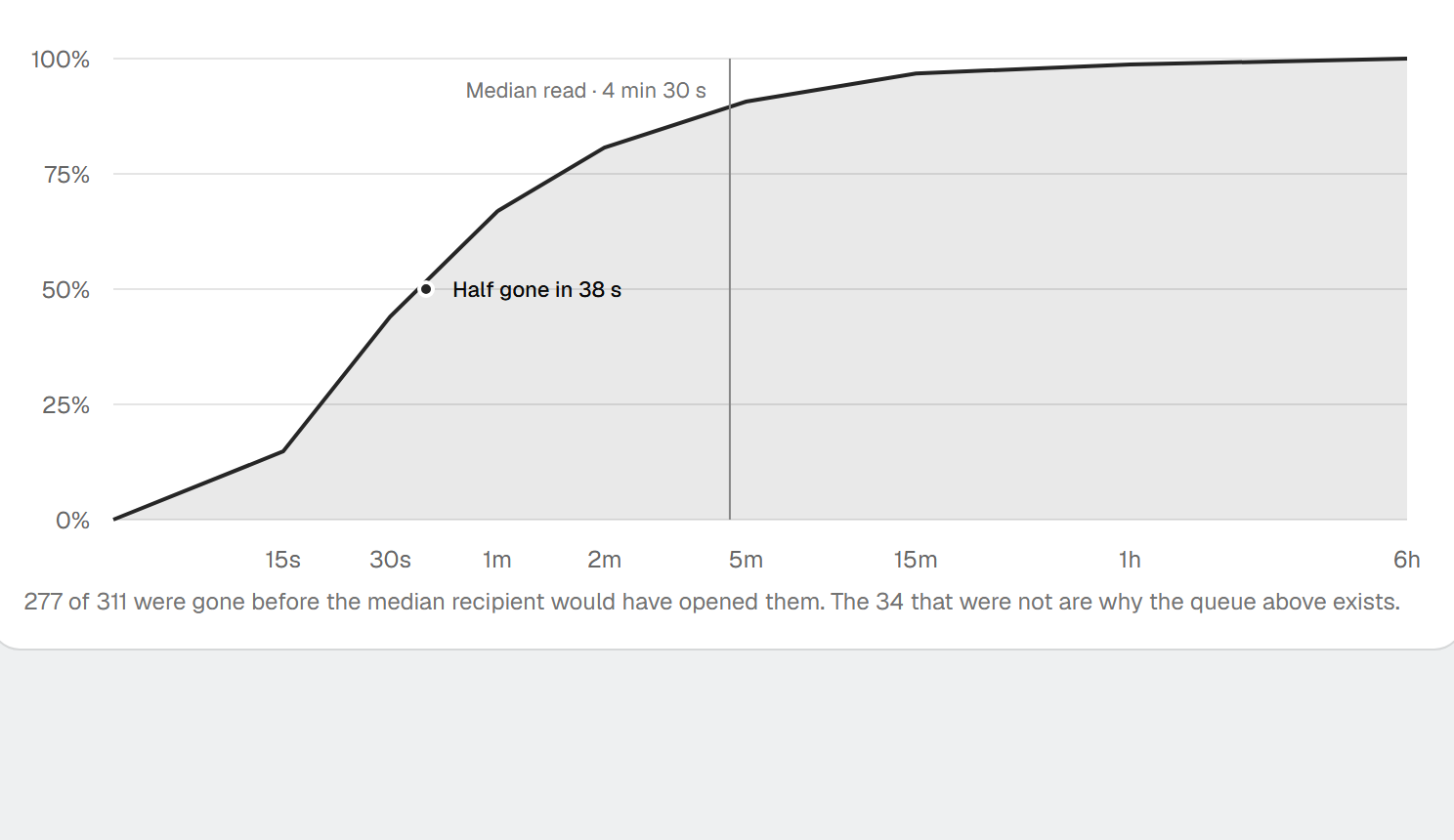
An API layer that lets mail land, takes a copy, decides if it is dangerous, then pulls it back. High efficacy, but the message sat in the inbox first. That is a risk window.
Inline
An API layer that analyses mail before it reaches the inbox. Nothing dangerous lands to be retracted later. The same top tier, with a tighter architecture.
What decides it is architecture and visibility.
The leading platforms are close enough on paper that a mid-market team will not go wrong on the name. The gap that decides the outcome sits elsewhere. It is architectural, where in the flow the mail is analysed, and it is about visibility, whether you can see what your current filter is letting through. Most teams cannot. They have configured Microsoft carefully and told themselves nothing is getting past it.
That belief is testable. Point a monitor-only trial at your own mail and within days it shows the malicious email reaching real inboxes, including the ones your native filter marked safe. You are not choosing on a feature sheet. You are choosing on your own data.
What good email security gives you.
What safe email looks like once the architecture is right.
Malicious mail that never lands
The whole point, and the unglamorous one. Safe email in the inbox, so your people get on with their work instead of second-guessing every message.
Visibility you can show
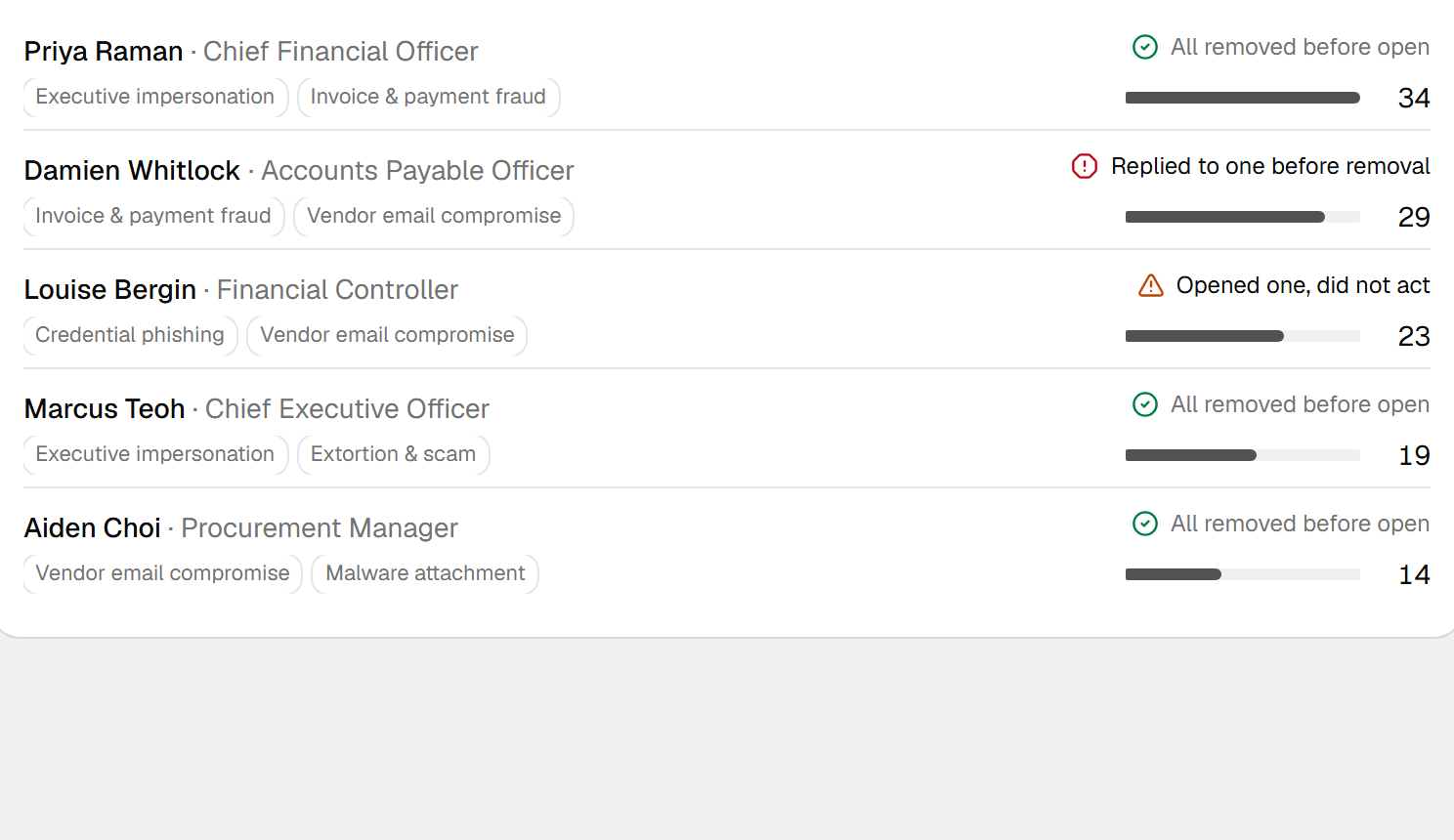
A clear view of what was reaching inboxes and what the platform now stops. Evidence for the board, the auditor and the insurer, not a claim they have to take on trust.
One console, fewer tools
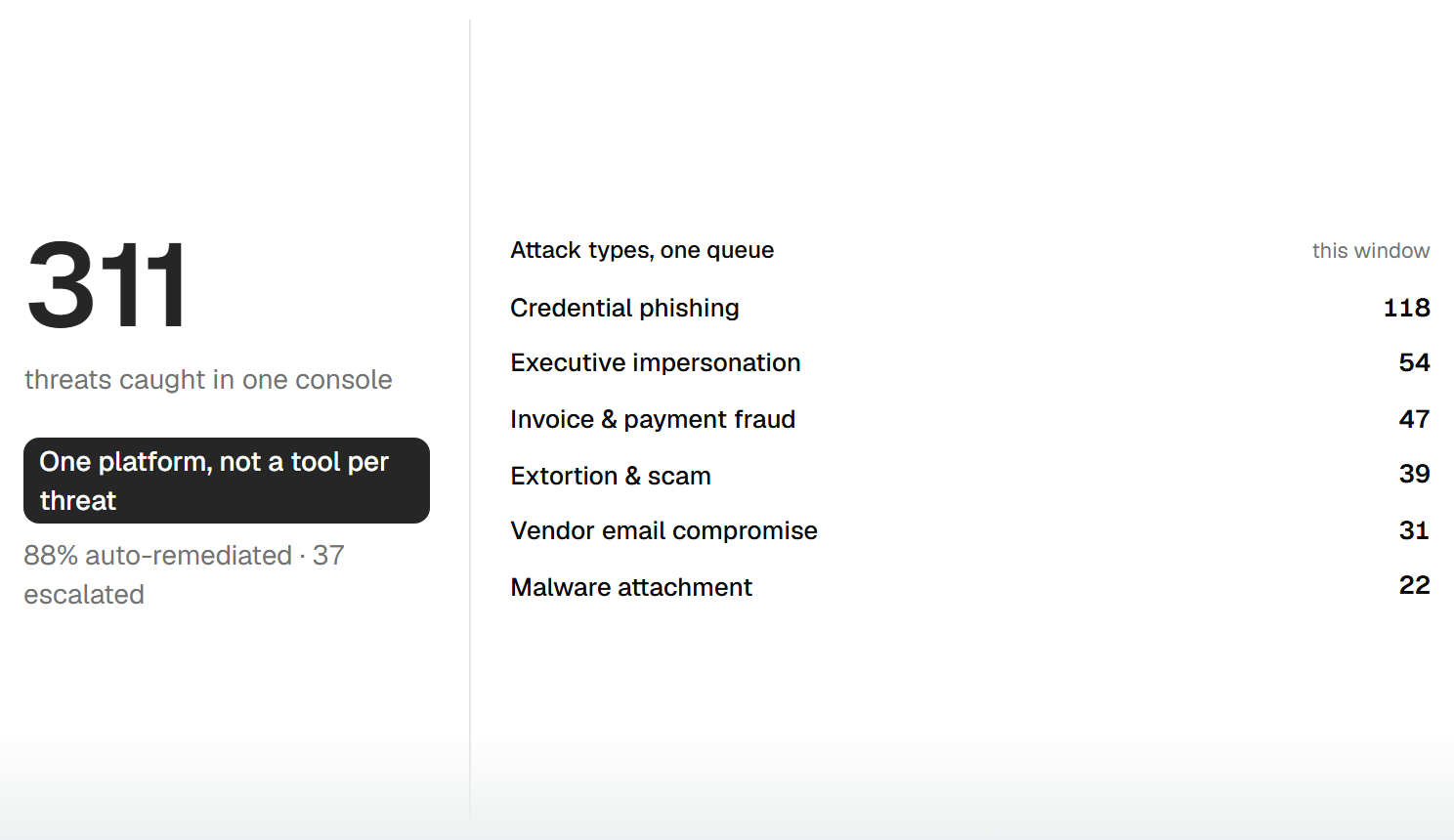
Filtering, account takeover detection and protocol management on one platform, so your team runs less, not more.
What can the top platforms do?
Behavioural detection, attachment and URL scanning, and the AI behind them ship in every serious platform now. These are the capabilities that separate real protection from a box that has been ticked.
Visibility into what native misses
A monitor-only view of the malicious email reaching your inboxes today, drawn from your own environment.
Coverage of all three mail flows
Inbound, internal-to-internal and outbound, so a compromised account has nowhere to hide.
Inline analysis before delivery
Mail assessed before it lands, not retracted after, so there is no window where a dangerous message sits in the inbox.
Click-time protection without the lag
Links checked at the moment they are clicked, with no delay the user can feel.
Account takeover detection
Behavioural baselines across historical mail flag a compromised internal account, not just inbound spam.
Protocol management in one console
SPF, DKIM and DMARC managed alongside filtering, rather than as one more thing handled separately.
Where most teams sit today.
Email security maturity, tier by tier.
Focused
Native Microsoft or Google filtering on its own, or a cheap add-on that can perform worse than the default. Self-managed, with no view of what is getting through. Many teams sit here.
Broad
A top-tier API platform layered over Microsoft or Google, watching all three mail flows, with account takeover detection and protocol management in one console. This is where most teams need to get to now.
Comprehensive
Inline analysis before delivery, protection extended to collaboration platforms, in-line warning banners, deep threat intelligence, and click-time protection with no delay the user can feel. The standard the market is converging on.
From the Lab
We tested the email security field.
We benchmarked the leading email security platforms against the same tests and published what we found, including where each one lets mail through. So the shortlist starts from where mail actually got through, not a sales deck.
Read the assessmentClient story
The busiest door in the business
Email is where our risk lives, with stores and suppliers in the inbox all day. Three years in it just works, and that's why we keep renewing.

Questions we hear most.
Start with your goals.
Tell us what you need to protect.
We'll match you to the tools that fit.
No fit, no obligation.